Shots placed by the moment
Podeo.ai reads the transcript and assigns b-roll to the specific line it illustrates, so the footage tracks the conversation instead of filling time.
Podeo.ai generates b-roll for your podcast episode and places each shot on the line it belongs to. It reads the transcript, uses stock footage where a real clip fits the subject, and generates a shot where nothing does. The b-roll matches what is being said, not a generic loop.
The free trial builds and edits one 5-minute episode. Export starts on Starter.
Podeo.ai reads the transcript, then chooses a shot per line: stock footage where a real clip fits the subject, a generated shot where nothing does. The frames below are stills from finished Podeo.ai videos.
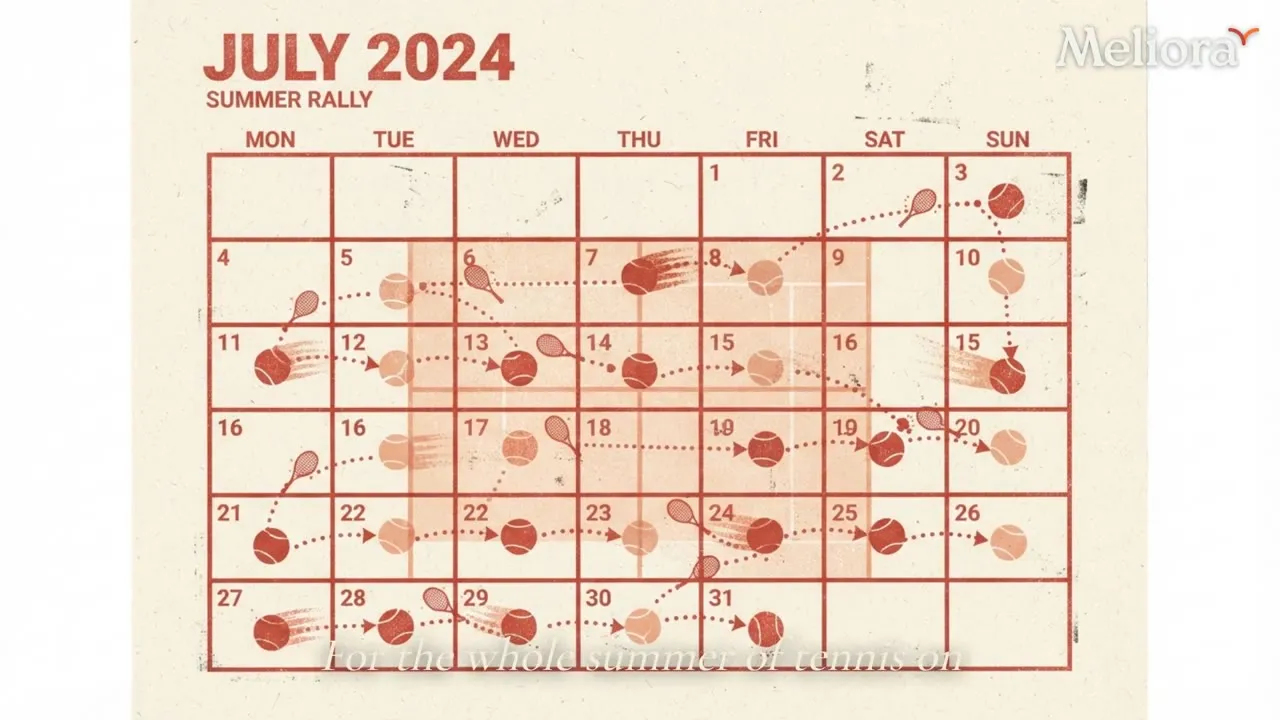
A concrete subject gets a matching stock clip.
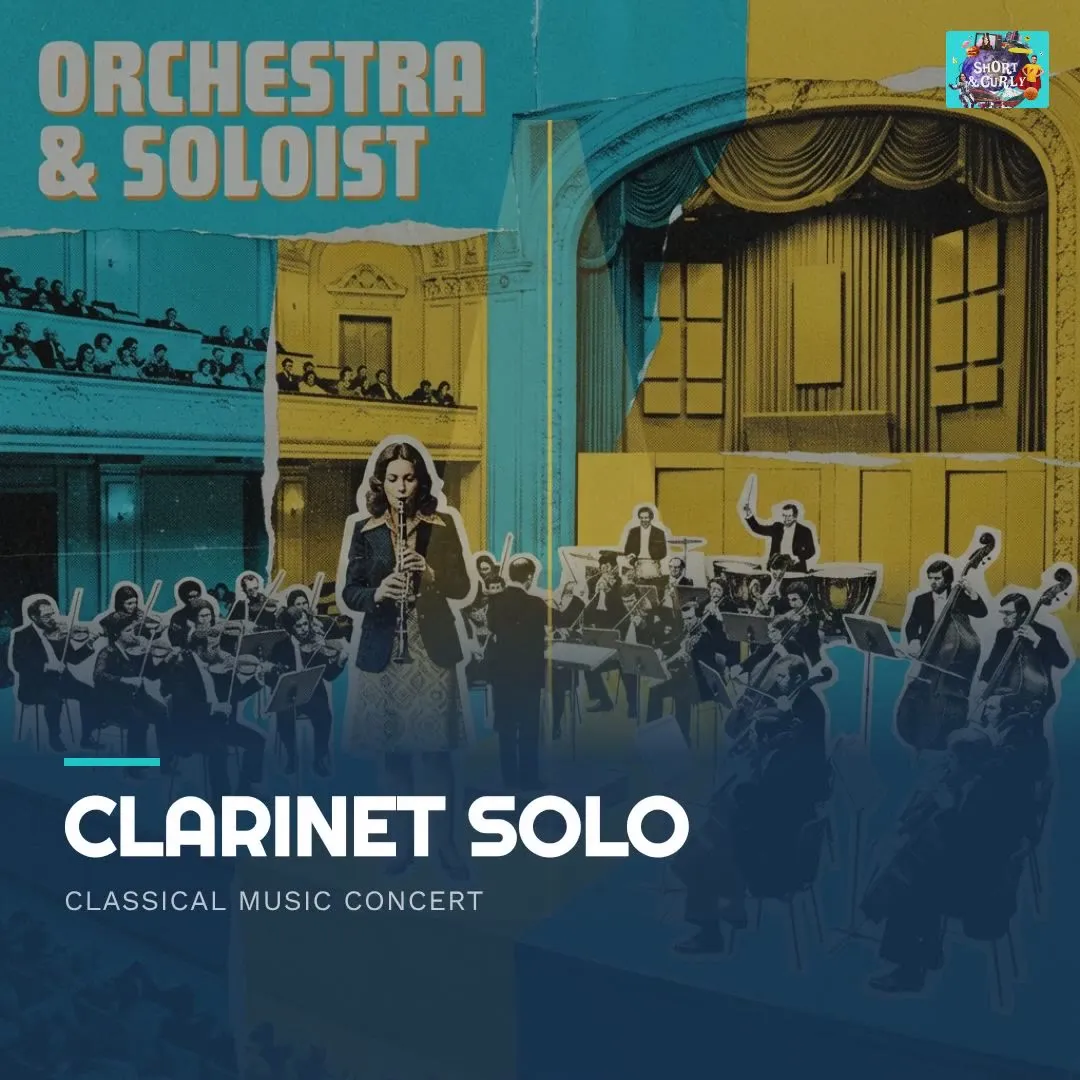
An abstract or figurative line gets a generated illustration.
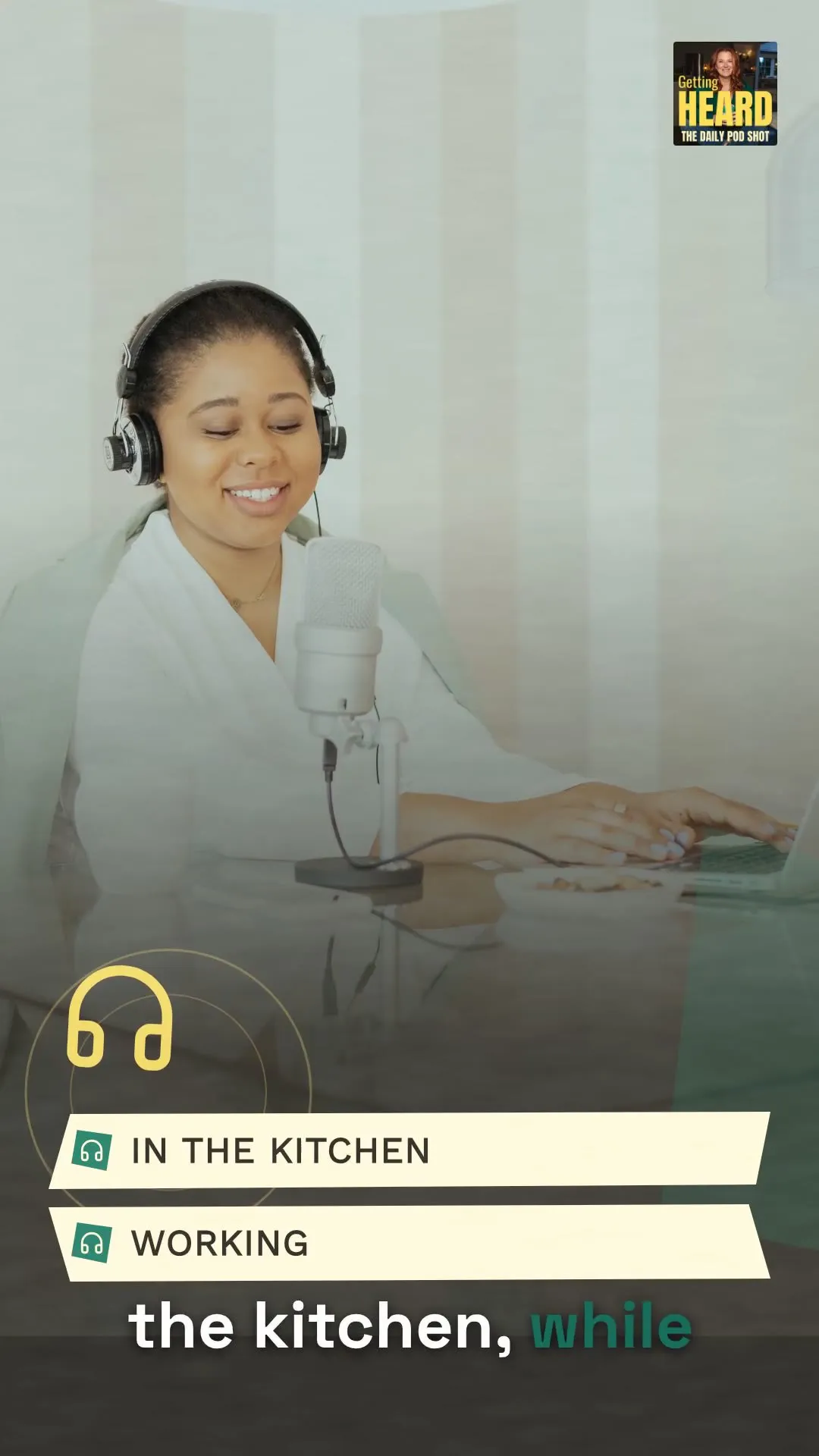
A punch line or a number gets kinetic typography.
Podeo.ai reads the transcript and assigns b-roll to the specific line it illustrates, so the footage tracks the conversation instead of filling time.
When no stock clip fits, Podeo.ai generates the frame: an illustration, a motion graphic, or kinetic typography built for that line.
For concrete subjects, Podeo.ai pulls a matching stock clip rather than generating one, so the shot looks like the thing it names.
B-roll is placed the length of the episode, not just the intro, with the density set to keep a long stretch of talk watchable.
Replace a clip in the timeline, or tell Podeo Copilot to change the b-roll for a section and preview the diff before it lands.
B-roll is generated as part of the full-episode video build, alongside captions, speaker cards, chapters, and the YouTube publish.
Both. For concrete subjects it pulls matching stock footage. When nothing in stock fits the line, it generates the shot: an illustration, a motion graphic, or kinetic typography. The choice is made per moment.
It reads the transcript and the audio structure, finds the lines that call for a visual, and assigns a shot to each one. The b-roll is timed to land on the words it supports.
Yes. Podeo.ai is built for audio-first shows. It adds b-roll over your audio or over a talking-head recording so there is something to watch during long stretches of talk.
Yes. Every shot is editable in the timeline, and you can ask Podeo Copilot to replace the b-roll for a section. Changes preview as a diff and can be undone.
It is part of the full-episode video build. The same upload also produces captions, speaker cards, chapters, and a YouTube-ready export.
Set up your studio, drop your latest episode in, and watch Podeo.ai's director do the rest. The free trial builds and edits one 5-minute episode, with no card required. Export starts on Starter.