One file in, no setup
MP3, WAV, or M4A. Interviews, lectures, panels, narration, or a podcast episode. Podeo.ai reads the audio and starts building, with nothing to configure first.
Podeo.ai is an AI audio to video converter. Upload an audio file, an interview, a talk, a sermon, an audiobook chapter, or a podcast episode, and it returns a finished video: directed scene by scene, captioned at the word, scored with b-roll, and rendered. Not a static image, not a bouncing waveform.
The free trial builds and edits one 5-minute episode. Export starts on Starter.
No camera, no footage, no timeline work. Each video below came out of an audio file. These are selected finished episodes made with Podeo.ai.
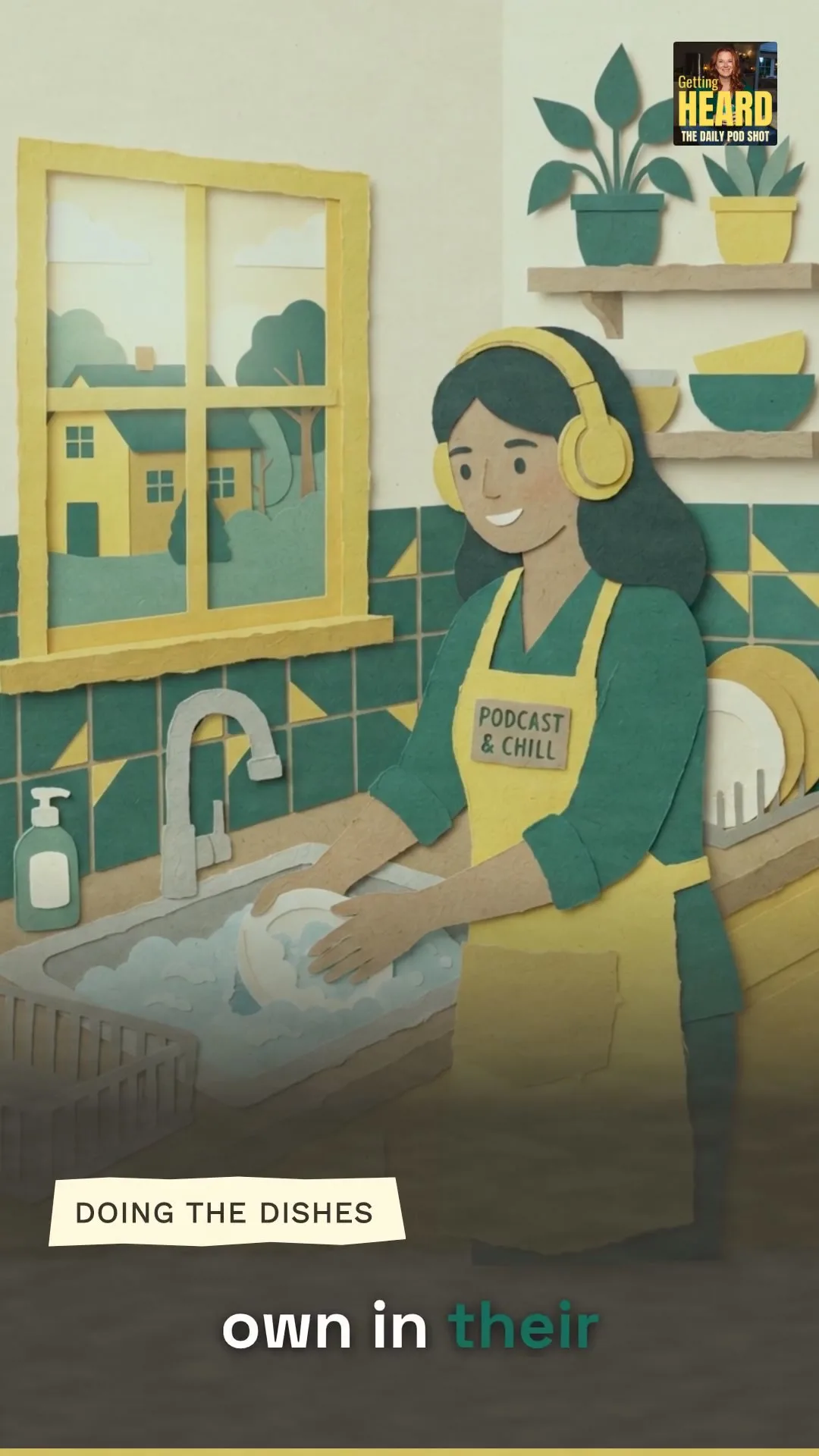
Finished export
A finished Podeo.ai video, built from the episode audio.
MP3, WAV, or M4A. Interviews, lectures, panels, narration, or a podcast episode. Podeo.ai reads the audio and starts building, with nothing to configure first.
Podeo Director reads the recording and writes a visual script, then renders the full video timed to the beats of what is being said.
Stock footage when a clip fits the subject, a generated shot when nothing does. Each one lands on the line that calls for it.
Captions are placed at the word, with translated subtitle tracks for the major languages.
Take the AI build as it is, open a real timeline to change any scene, or tell Podeo Copilot the change and let it run the edit.
Download the MP4, or publish to a connected YouTube channel with an AI title, description, chapters, and a thumbnail attached.
Common audio files: MP3, WAV, and M4A. The content can be a podcast episode, an interview, a lecture, a sermon, a webinar recording, or plain narration. Podeo.ai adapts the visual treatment to the format it detects.
Most free converters put your audio behind one still image or a waveform animation. Podeo.ai builds a real video: it writes a visual script from the audio, places b-roll and captions against the words, separates speakers, and adds chapters.
Up to 120 minutes on the Studio plan, with limits of 5, 30, and 60 minutes on the lower plans. The visual pacing adapts across the length so a long recording stays watchable.
No. Podeo.ai builds the whole video from the audio: on-screen text, brand visuals, captions, and b-roll. The timeline editor and chat editing are there if you want them, but you can export the AI build directly.
The free trial gives you 30 credits once to build and edit one episode up to 5 minutes, with no card required. Export starts on Starter, up to 1080p. Paid credit plans at $49, $149, and $449 a month. Every build shows its credit cost before you spend it.
Set up your studio, drop your latest episode in, and watch Podeo.ai's director do the rest. The free trial builds and edits one 5-minute episode, with no card required. Export starts on Starter.